
The development of the computerized system has lead to the advancement of artificial intelligence and many innovations. Nowadays, many systems are taking over cloud computing by surpassing the traditional ways. Many of them are using it without even realizing it. From doing the activities like online service to send an email, edit documents, watch movies or TV, listen to music, play games, or store pictures and other files.
What is Cloud Computing?
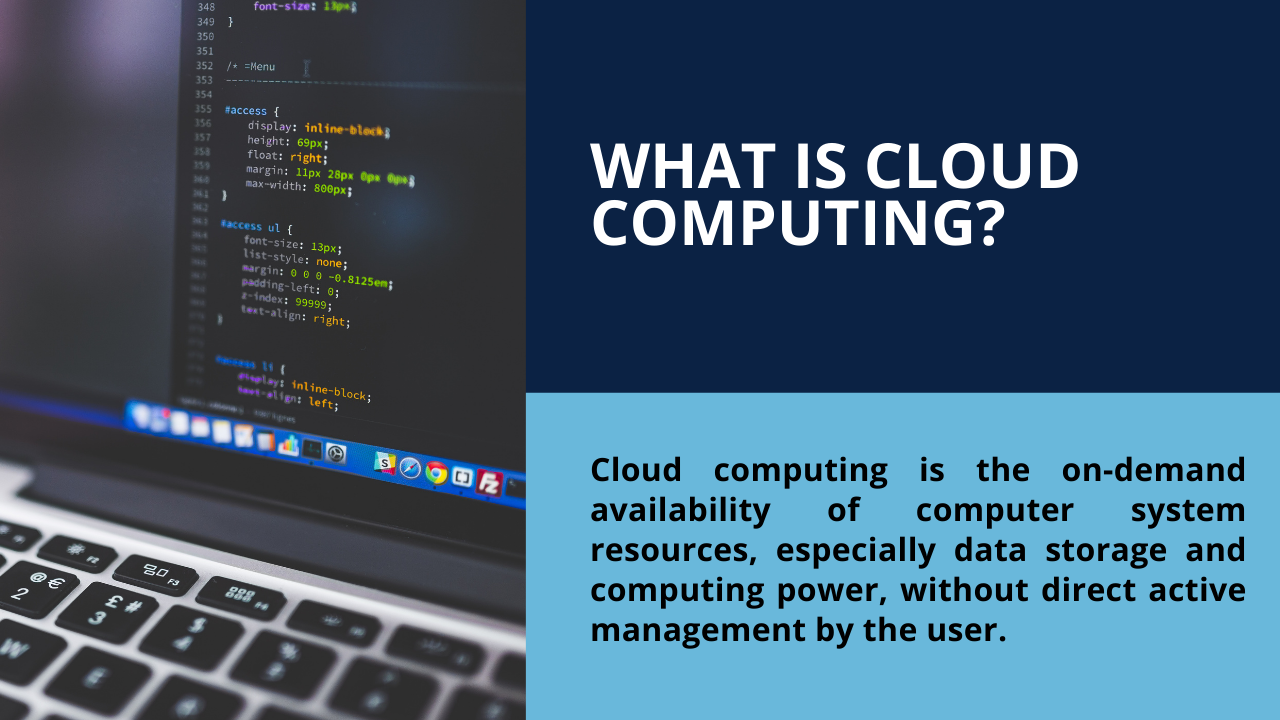
In simple terms, Cloud computing provides computer services that include servers, storage, databases, networking, software, analytics, and intelligence over the internet. It means that it doesn't store any data on the hard disk of your personal computer, rather than you can access data directly from a remote server. It is because it helps to offer quick innovation, flexible resources, and economies of scale. Moreover, you can pay only for the services you use for your business approaches, which makes it cost-friendly, more efficient, and make the rapid transformation as per your business requirements.
Top 5 benefits of cloud computing
Inside cloud computing, you can enjoy various categories of cloud services as per your business modality. It depends on the services you choose to use to gain the benefits but not have to buy or maintain their computing infrastructure.is the fundamental one. Here, are the top five advantages of cloud computing that are making many organizations turn into this service.
- Cost
Because firms only pay for the resources they consume, it helps to eliminate the capital expense of buying hardware and software and setting up and running on-site datacenters. It makes the companies move faster on projects and test out concepts without lengthy procurement and big upfront costs. Similarly, using cloud services makes easy management of IT infrastructure.
Traditionally, you have to pay for everything while making investments in IT But now, you can engage with the services you needed only as it makes it easier and costs less. It helps to deliver the right amount of IT resources for your systems like more or less computing power, storage, bandwidth right when they’re needed, and from a suitable geographic location. Also, if there are any new application that turns out to be wildly popular, later and you want to try out for your business, you can easily scale up.
- Automatic Software Updates
The biggest cloud computing services run on a worldwide network of secure data centers, which are regularly upgraded to the latest generation of fast and efficient computing hardware. This offers several benefits over a single corporate data center, including reduced network latency for applications and greater economies of scale. Manual software updates can eat up a lot of your IT department’s time, not to mention the financial implications. One of the major advantages of the Cloud is automatic software updates which not only remove the onus from your IT department but also ensure you’re always on the latest version with the latest security updates. Out of sight, out of mind!
- Security
When you’re involved with the Cloud, you have greater security to ensure you can access your data online, no matter what happens. Although you’ve got sensitive information stored, you can even remotely wipe data from lost devices so that it doesn’t get into the wrong hands. Another key feature of Cloud Security is Disaster Recovery (DR). Businesses of all shapes and sizes should implement a robust strategy to ensure data is safely backed up in the event of a disaster. The provision of cloud services includes a broad set of policies, technologies, and controls that strengthen your security posture overall, helping protect your data, apps, and infrastructure from potential threats.
- Usability
You can work from anywhere, at any time as long as you’ve got access to the internet. Also, because of the current pandemic situation, using cloud services, you can remain fully productive at work. So whether you’re on the Bus, on a flight, or anywhere in the world, you can be at work! The cloud offerings on mobile apps make you not restricted to which device you use either. Moreover, this enhanced usability also brings increased collaboration. Now, you don’t have to be physically present in the offices to collaborate on projects anymore. Digital workspaces like Office 365, Google Workspace can facilitate online meetings, project teams, and much more flexibility for the win.
- Speed
On that note, our last top advantage of the cloud is the speed with the enormous range of flexibilities. You have the flexibility to scale up or down depending on your business needs with the cloud. It helps to support growing or fluctuating bandwidth demands that make your systems more agile and gain a competitive advantage over other businesses who compete in your industry Most cloud computing services are provided self-service and on-demand, so even vast amounts of computing resources can be provisioned in minutes, typically with just a few mouse clicks, giving businesses a lot of flexibility and taking the pressure off capacity planning.
Types of cloud computing and services
Cloud computing is of different types as there are various categories of business out there. As not one type of cloud computing is right for everyone, there is the availability of several different models, types, and services that have evolved to help offer the right solution for your needs.
- Public Cloud
As the name suggests, this type of cloud is owned and operated by a third party. They deliver their computing resources, like servers and storage, over the Internet. All hardware, software, and other supporting infrastructure is owned and managed by the cloud provider. You can access these services and manage your account using a web browser
- Private Cloud
Private Cloud gives a little more advantages than the public cloud with the provision of building the infrastructure the way you want. It is a kind of resource used exclusively by a single business or organization.
- Hybrid Cloud
Simply, Hybrid Cloud is a combination of both the public and private cloud services. It provides multiple vendors and different levels of cloud usage by allowing data and applications to move between private and public clouds.
Here are the broad four types of cloud services available:
- Infrastructure as a service (IaaS)
- Platform as a service (PaaS)
- Serverless computing
- Software as a service (SaaS)
Conclusion
You’re most likely going to have a long-term relationship with the computing service you choose. So carefully look into every option that caught your eye today and select the one that fits your needs best.
HostMaria stands with a record of quality of service and you can explore more.
- We promise newer change service prices for existing users
- Our support work to help you in the best way how we can
- Automatic backups, free SSL, and 100GB storage
- Video tutorials for main tasks with hosting control panel
- more than 50 1 click installs
We already have more than 3000 satisfied customers worldwide and hope to see you being a part of our hosting services. Having reliable computing services is a must in today’s world. Make this decision like the future of your business depends on it.
